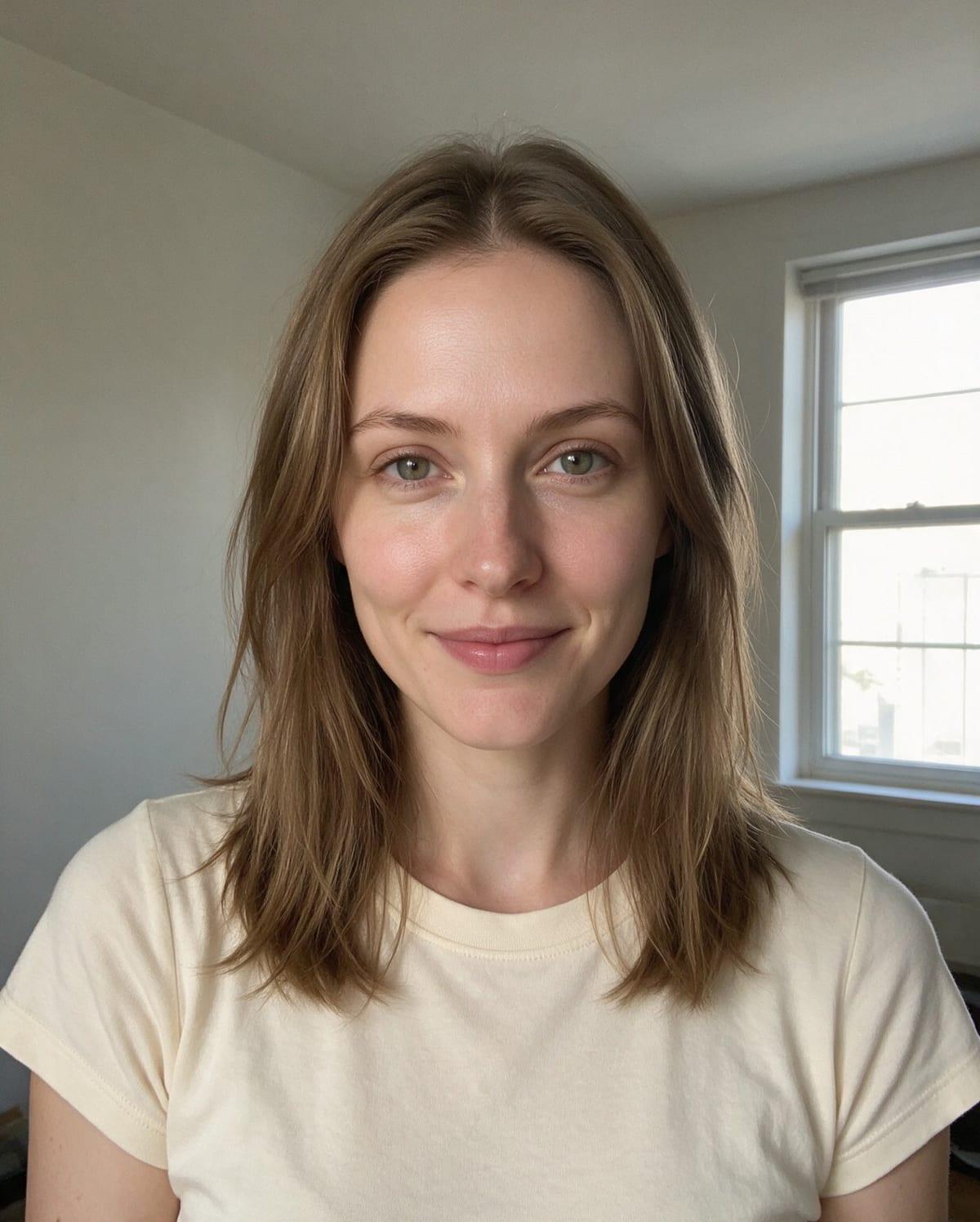
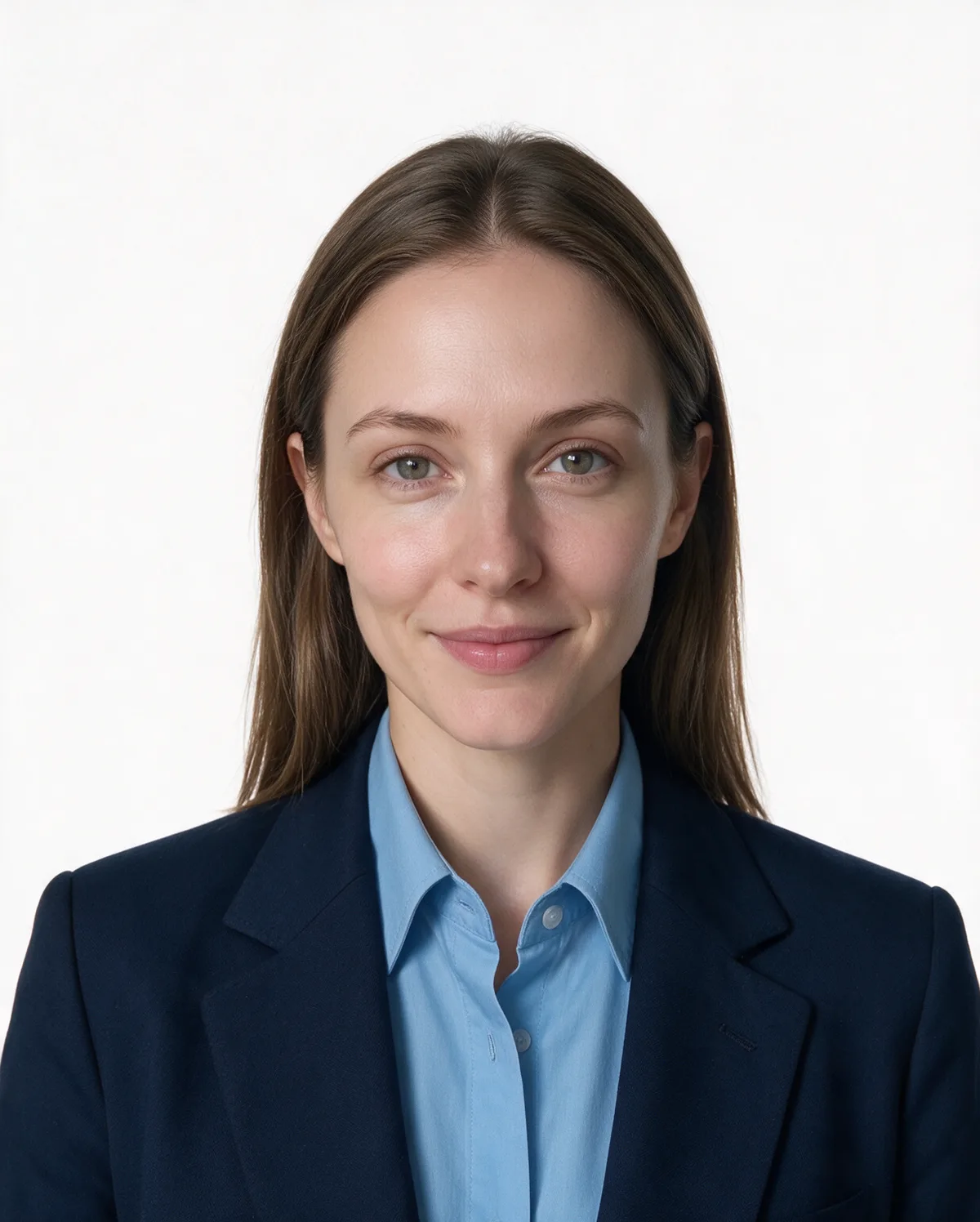
One selfie. A headshot you can send.
A formal white-background photo is fine for a résumé, and a square photo is fine for LinkedIn. Choose one work outfit. Passports, visas, and government IDs are not accepted.
Starter $4: 5 watermark-free photos, including this one. Standard $8: 11 photos. Pick a different work outfit for each — 10 to choose from. Each photo usually takes under a minute.
Not you? One free redo, then a full refund.
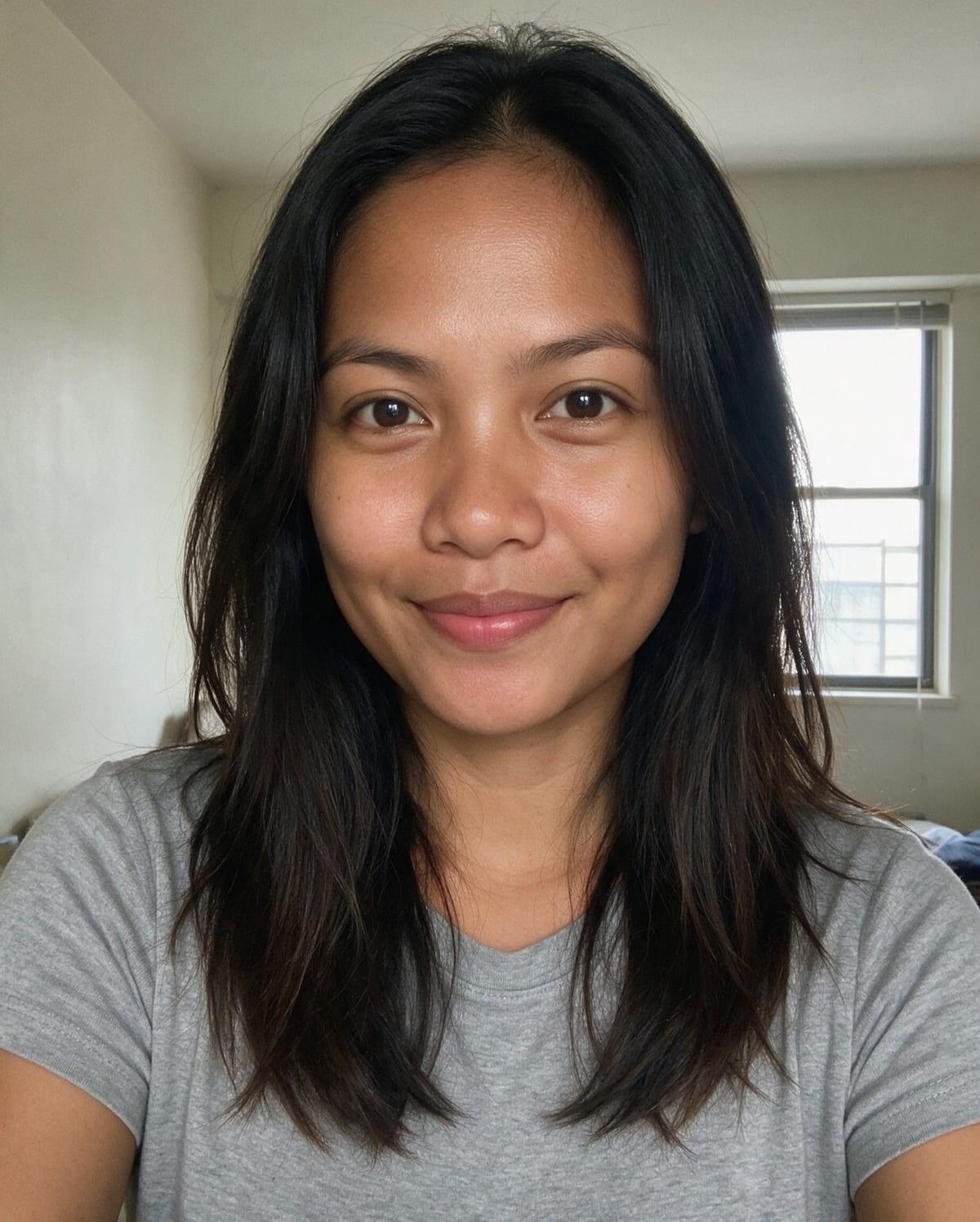
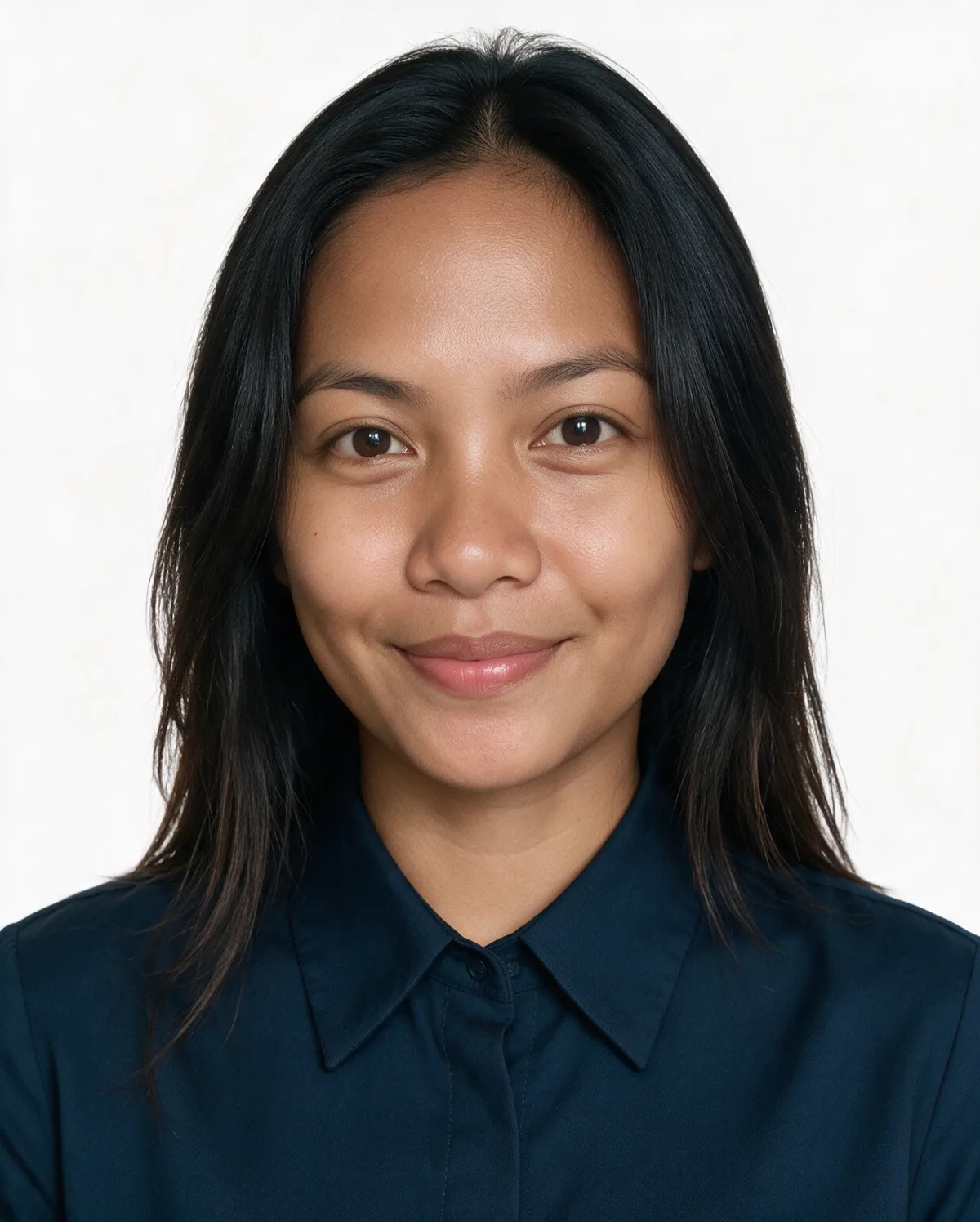
Free trial
1 watermarked preview
$4 / $8
US dollars
~1 min
You can leave once it starts
Create your headshot in three steps
Upload a photo, choose the use and one work outfit, then generate
Upload
Choose a clear front-facing photo
Style
Choose the use, then one work outfit
Generate
AI processes your image
Choose from your photos, or take a picture
On a computer you can also drag a file here.
JPEG, PNG, or WebP, up to 10MB
Your photo is sent to an external service to make the headshot. An unpaid preview is deleted after about 24 hours. Privacy policy
Where will you use it?
Background and crop
A circular profile photo keeps only the head, so keep the face in the center.
Work outfit
A hijab or turban stays with every outfit.
Upload a photo first.
Your headshot will appear here after you complete the steps
Other looks
A LinkedIn headshot, and a light blue shirt with a navy jacket.
Why use our AI headshot generator?
Usually under a minute. You can leave once it starts. From $4.
Smart AI processing
Generative AI repaints a new portrait from your photo—lighting and backdrop—not just crop-and-cutout on the original frame.
Pick the use, not a size chart
Job application or LinkedIn sets the starting background and crop. Then choose one work outfit.
Usually under a minute
Generation usually takes under a minute. Once it starts, you can leave and come back, or open Account. There is no studio appointment.
JPEG download
A portrait file is about 1232×1536. A square file is about 1536×1536. A watermark-free file is usually under 0.3MB.
Privacy protection
HTTPS in transit. Unpaid previews expire. Paid files can be downloaded again from your account. See the Privacy policy.
Typical use cases
Résumés and LinkedIn.
Frequently asked questions
What are the requirements for the photo I upload?
Use a clear, front-facing photo with even light. Sunglasses off, no beauty filter, and keep the face large. Beard, glasses, and a head covering stay. JPEG, PNG, or WebP up to 10MB. An iPhone HEIC photo needs to be saved as one of those first.
Where can I use the headshot?
A formal white-background photo is fine for a résumé, and the square photo is fine for LinkedIn. Passports, visas, and government IDs are not accepted. Those need an unedited photo, and this tool redraws the portrait.
Is my photo data secure?
We use HTTPS in transit; during generation your image is sent to a third-party AI service for processing. We do not operate your uploads as a long-term public gallery; retention, storage under paid features, and how downloads work are described in the Privacy policy.
What file do I download?
The download is a JPEG. A portrait crop is about 1232×1536. A square crop is about 1536×1536. A watermark-free file is usually under 0.3MB. The free preview is watermarked. Paying removes the watermark from that same photo.
How do I pay?
Checkout is in US dollars through PayPal only. You need a PayPal account, or a card that can pay an overseas seller.
How much does it cost?
You get one watermarked preview. Starter is $4 for 5 watermark-free photos, including this one. Standard is $8 for 11 photos. Each photo takes under a minute, and you can pick a different work outfit for each one.
Can I use GetHeadshot on my phone?
Yes. The website works on any modern browser—Chrome, Safari, Firefox—on both desktop and mobile. Open the site, choose a photo or take one, and generate. No app is required. Once generation starts, you can leave the page and come back, or open Account.
How is this different from a cropping tool?
A cropping tool only cuts the background. GetHeadshot redraws a head-and-shoulders portrait, with natural light and the work outfit you chose: a collared shirt, that shirt with a navy jacket, a plain traditional top, or the clothes already in the photo.
Can I change the look after I generate?
The preview stays on the page. Changing the background, crop, or outfit does not update that picture. Generate again to see the new choices. That uses one of your photos, and it usually takes under a minute.
What size do I get?
A job application starts as a 4:5 portrait on white. LinkedIn starts as a square on light gray. You can switch the background to white, light blue, or light gray, and the crop to portrait or square. On a square crop, a circular profile photo keeps only the head, so keep your face in the center. A portrait crop is a résumé photo, not that circular avatar.
What if the headshot does not look like me?
The result might not look like you, and clothes or lighting can come out wrong. If it does not look like you, we redo the same photo once for free without using one of your photos. If the redo still does not look like you, we refund the purchase in full. The full conditions are in the Refund policy.
Comparing headshot tools? See how GetHeadshot differs from HeadshotPro.