One selfie. A headshot you can send.
For job applications in India, the Philippines, Nigeria, and Pakistan. Start with a job application or LinkedIn, then pick one fixed outfit. Not for passports, visas, or government IDs.
Free trial
1 watermarked preview
$4
Starter · 4 more generations
~2–3 min
Typical generation time
Create your headshot in three steps
Upload a photo, pick the use and a fixed outfit, then generate
Upload
Choose a clear front-facing photo
Style
Pick the use, then one fixed outfit
Generate
AI processes your image
Drag and drop an image here, or click to browse
JPG or PNG, up to 10MB
Where will you use it?
Background and crop
Outfit
Each option is one fixed outfit. Religious head coverings stay.
Not for passports, visas, or government IDs.
Your headshot will appear here after you complete the steps
For résumés, LinkedIn, and similar profiles. Do not use for passports, visas, or government IDs.
See the results
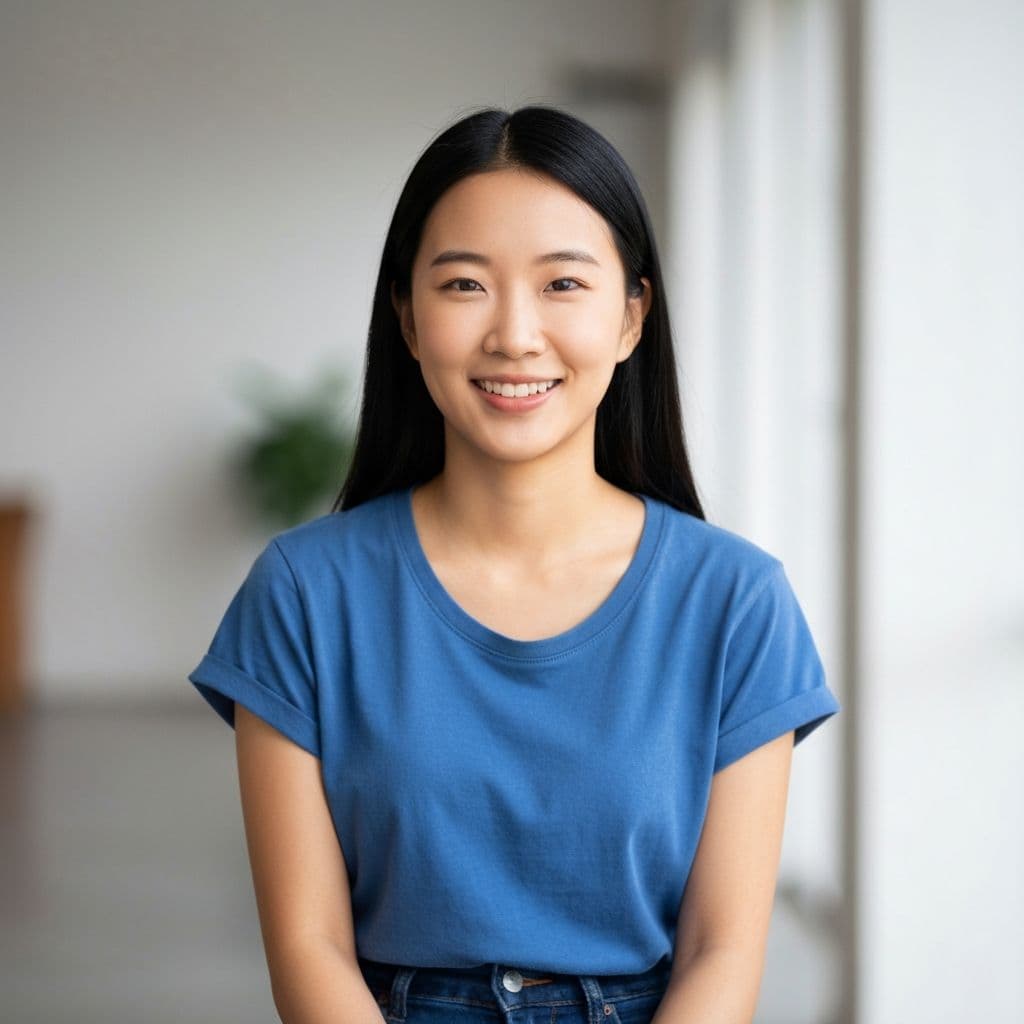
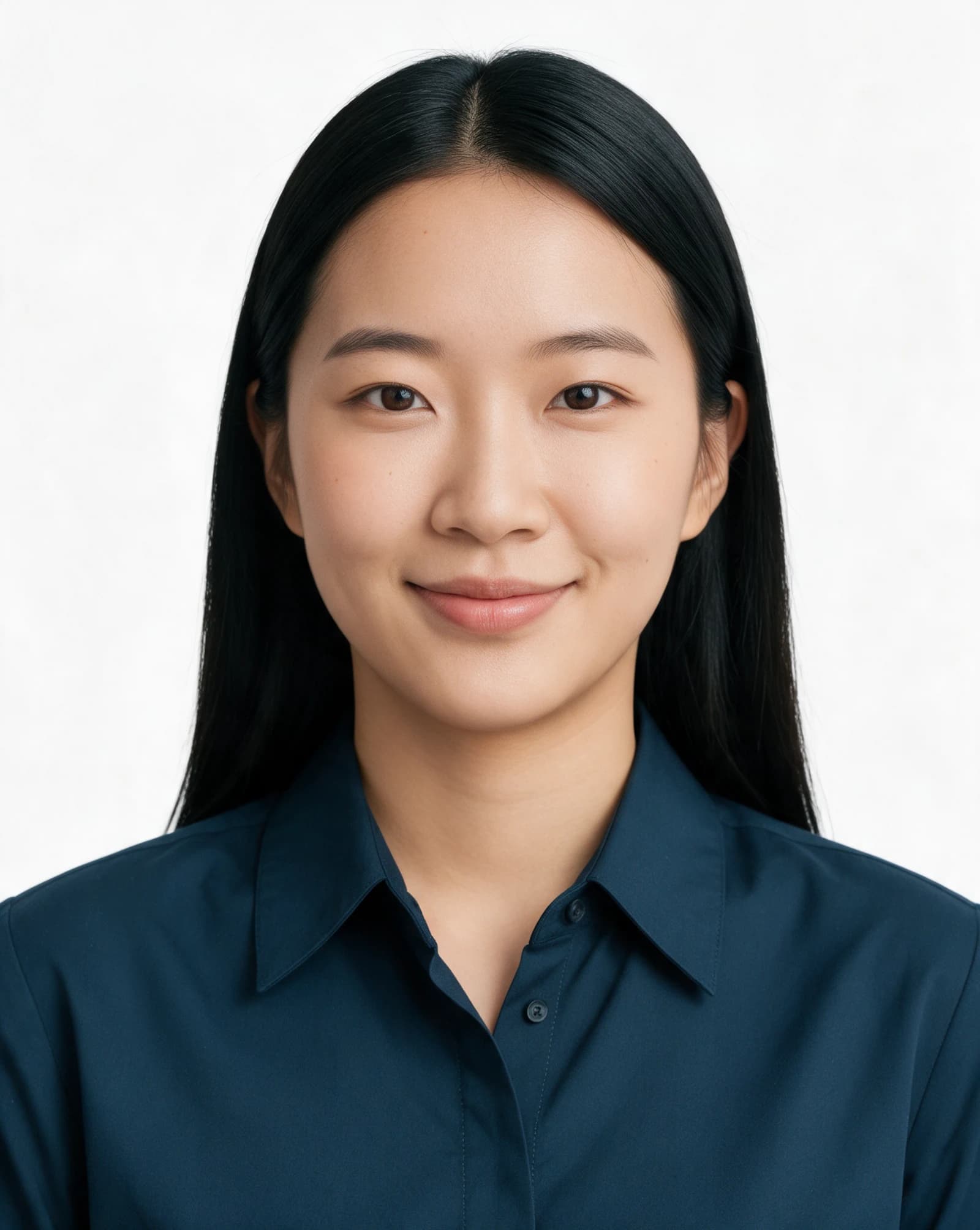
How generative AI rebuilds a casual photo into a professional job-ready headshot
What is an AI Headshot?
An AI headshot is a professional portrait generated by artificial intelligence from a casual selfie or everyday portrait. Unlike traditional photo cropping tools that simply cut out the background, generative AI rebuilds the entire head-and-shoulders composition -- adjusting lighting, skin tone, pose alignment, and backdrop to produce a studio-quality result.
Key Facts
- 160%+ faster than visiting a photo studio (2-3 minutes vs. 30+ minutes including travel)
- 2From $4, compared with a $15–$50 studio visit
- 3Two uses: a job application (white, portrait) and LinkedIn (light gray, square). Background and crop can be changed
- 4Fixed outfits: navy, light blue, or white shirt; the same shirt with a navy jacket; a plain traditional top; or keep the clothes in the photo
- 5High-resolution PNG output suitable for both online submissions and print
AI Headshot vs. Traditional Studio
| Feature | AI Headshot (PhotoID AI) | Photo Studio |
|---|---|---|
| Time | 2-3 minutes | 30-60 minutes (incl. travel) |
| Cost | From $4 (4 more generations) | $15-$50 per visit |
| Location | Anywhere, any device | In-person appointment |
| Backdrop options | White, light blue, or light gray | Limited, may cost extra |
| Retakes | Unlimited with credits | Often charged per session |
| Available | 24/7 online | Business hours only |
How to Create an AI Headshot in 5 Steps
A complete step-by-step guide to generating your professional headshot
Step 1: Upload Your Photo
Take a clear, front-facing selfie or upload a portrait. JPEG, PNG, or WebP, up to 10MB. Face the camera, take off sunglasses, and use even light. A religious head covering can stay.
Step 2: Choose the job use
The use sets the starting background and crop. You can change both afterward.
- Job application — white background, portrait crop
- LinkedIn — light gray background, square crop
Step 3: Pick one fixed outfit
Each choice is one garment. The default is a navy collared shirt.
- Collared shirt — navy, light blue, or white. No tie, no jacket
- Shirt and jacket — the same shirt, plus one navy blazer and no tie
- Traditional top — navy round neck, navy band collar, or ivory barong. No embroidery
- Keep my clothes — background, crop, and light only. Hijab and turban stay in every option
Step 4: AI Generation
Click "Generate" and our AI model processes your image in 2-3 minutes. The generative AI rebuilds your head-and-shoulders portrait -- adjusting lighting, skin tone, and alignment -- while keeping your natural features intact. Keep the tab open during processing.
Step 5: Preview and Download
Review your generated headshot. Free users get a watermarked preview. Download the clean PNG from $4, which also adds more generations. Not satisfied? Use those generations to try again.
Popular Use Cases
Built for job applications in India, the Philippines, Nigeria, and Pakistan
Job application
Starts on white, in a portrait crop, with a small closed-mouth smile.
Starts on light gray, in a square crop. A small smile is fine.
Collared shirt
Navy, light blue, or white. Long sleeves, collar buttoned, no tie and no jacket.
Shirt and jacket
The same shirt, under one navy blazer. No tie.
Traditional top
Navy round neck, navy band collar, or an ivory barong. No embroidery.
Keep your clothes
Only the background, crop, and light change. Hijab and turban stay in every option.
Why use our AI headshot generator?
A headshot in a few minutes, from $4.
Smart AI processing
Generative AI repaints a new portrait from your photo—lighting and backdrop—not just crop-and-cutout on the original frame.
Pick the use, not a size chart
Job application or LinkedIn sets the starting background and crop. Then pick one fixed outfit.
Fast generation
After upload, a cloud large model renders your headshot—usually about 2–3 minutes per run, with no studio appointment.
High-resolution download
High-resolution output for both printing and online submissions.
Privacy protection
HTTPS in transit; each generation is processed on the server and we do not keep your upload as a long-term gallery on this site. See the Privacy policy for details.
Typical use cases
Résumés and LinkedIn for job applications in India, the Philippines, Nigeria, and Pakistan. Not for passports, visas, or national IDs.
Frequently asked questions
What are the requirements for the photo I upload?
Use a clear, front-facing portrait with even lighting. Take off sunglasses. A religious head covering can stay if your face from chin to forehead is visible. JPEG, PNG, and WebP up to 10MB. Output quality depends on the source photo.
Can I use the generated headshot for formal purposes?
Use it for résumés, LinkedIn, and school or course forms. You choose the background, crop, and one fixed outfit. It is not accepted for passports, visas, or government biometric IDs — those require an unedited photo, and this tool redraws the portrait.
Is my photo data secure?
We use HTTPS in transit; during generation your image is sent to a third-party AI service for processing. We do not operate your uploads as a long-term public gallery; retention, storage under paid features, and how downloads work are described in the Privacy policy.
What format do I get? How do resolution and watermarks work?
You receive a high-resolution PNG. The crop is the portrait or square you picked. Trial delivery may be watermarked; paying unlocks the clean file from the same generation.
Which payment methods are supported?
Recharge and checkout go through PayPal—you can use your PayPal balance or supported cards and methods (see checkout). If paid features are not enabled on this deployment, you can generate and download without payment.
Is PhotoID AI free to use?
You get one free trial generation (watermarked preview). To download the clean version, pay from $4. That payment also adds more generations. If monetization is not enabled on this site, all generations are free.
Can I use PhotoID AI on my phone?
Yes. The website works on any modern browser—Chrome, Safari, Firefox—on both desktop and mobile. Simply open the site, upload a photo from your camera roll or take a new picture, and the AI generates your headshot. No app installation required.
How is this different from a simple photo cropping tool?
Traditional cropping tools just cut out the background and resize your original photo. PhotoID AI uses generative AI to completely rebuild a new head-and-shoulders portrait from your photo—adjusting lighting, pose alignment, and backdrop to create a professional studio-style headshot. The result looks like you posed for it, not like a casual selfie that was trimmed.
How do I print the generated headshot?
Download the PNG and give it to a print shop, or attach it to an online application. Tell the shop it is a portrait headshot. This file is not sized as a government passport photo.
Can I change the use or the clothes after generation?
Each result uses the use, background, crop, and outfit you selected. Change any of them and generate again. Unused credits cover that new generation.
Can I use the generated photo for a passport or visa application?
No. Passports, visas, and national IDs need an unedited photo taken to that authority’s rules. This tool redraws a headshot for résumés and LinkedIn. Do not submit it to a government or consulate.
What size do I get?
A job application starts as a 4:5 portrait on white. LinkedIn starts as a square on light gray. You can switch the background to white, light blue, or light gray, and the crop to portrait or square. These are for applications and profiles, not government document specifications.
Is an AI headshot okay for a job application?
For résumés, LinkedIn, and many school or course forms, an AI headshot is commonly used. It is not a substitute for a passport, visa, or national ID photo. Those are rejected when the image has been generated or edited.
What makes PhotoID AI different from free online photo cropping tools?
Cropping tools only cut out the background. PhotoID AI redraws a head-and-shoulders portrait and locks the outfit to the option you picked: a collared shirt, that shirt with a navy jacket, a plain traditional top, or the clothes already in the photo.